
Free Cloud Storage Optimizer
Select your primary needs below to discover which free cloud storage service offers the best value for you in 2026.
Service Name
0 GB
Alternative Options
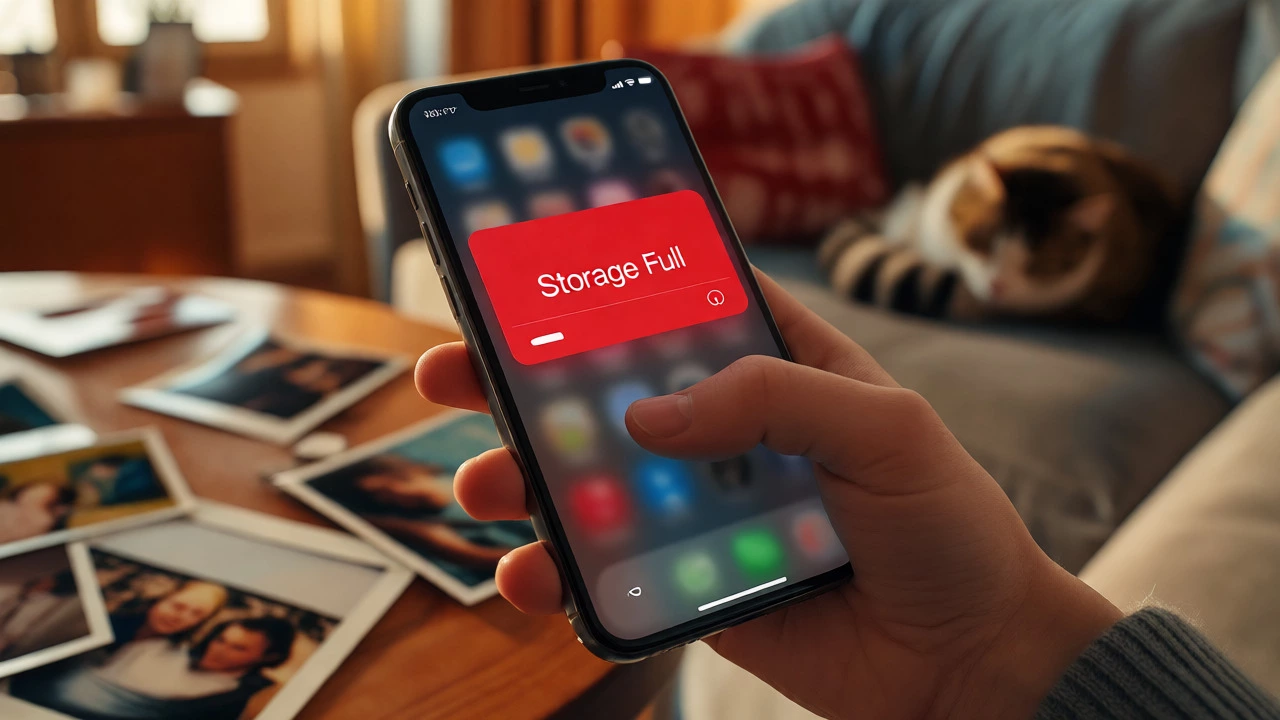
You hit that dreaded notification: "Storage Full." Your phone is jammed with photos of your cat, screenshots you meant to delete three months ago, and videos from last weekend's barbecue. You need space, but paying a monthly subscription feels like bleeding cash for something you should have had in the first place. The good news? Several tech giants still offer generous free cloud storage tiers, though they’ve gotten stingier over the years. Knowing which app actually gives you the most bang for zero bucks can save you hundreds of dollars annually.
But here’s the catch: not all free storage is created equal. Some apps give you 5GB but throttle your upload speeds. Others offer unlimited photos but only if you agree to compress them into lower-quality files. And some are great for documents but terrible for backing up your entire camera roll. This guide breaks down exactly which apps offer the best free storage in 2026, what their hidden limitations are, and how to combine them to maximize your digital real estate without spending a dime.
The Big Three: What Do They Actually Offer?
When people ask about free storage, they’re usually talking about the big players: Google, Apple, and Microsoft. These companies dominate because they integrate directly into the operating systems most of us use daily. But their policies differ significantly, and understanding these differences is key to choosing the right one for your needs.
Google One is the umbrella service for Google Drive, Gmail, and Google Photos. As of 2026, Google offers a standard 15GB of free storage across all these services. This isn't new, but it remains one of the most versatile options because the storage pool is shared. If you use Gmail heavily, those attachments eat into your Drive quota. Conversely, if you clear out old emails, you might find extra space appearing in your file manager. The biggest advantage here is compatibility; whether you use an Android or iPhone, Google Drive works seamlessly.
iCloud+, provided by Apple, offers 5GB of free storage. That’s tight. For many iPhone users, this fills up within weeks of setting up a new device. However, Apple recently tweaked its policy regarding photo backups. While video still counts against your limit, certain types of optimized photo storage may vary based on device settings. It’s crucial to check your specific iOS version, as Apple frequently adjusts these rules to encourage paid upgrades. If you live entirely in the Apple ecosystem, iCloud is convenient, but that 5GB cap is a major bottleneck for heavy media users.
Microsoft OneDrive typically grants 5GB of free storage. Like Google, it integrates deeply with Windows PCs and Office applications. If you work in Word, Excel, or PowerPoint, having your files automatically saved to OneDrive is a productivity booster. The downside? Without a Microsoft 365 subscription, you don’t get the massive 1TB allowance. Still, for basic document syncing between a laptop and phone, it’s reliable and fast.
Hidden Gems: Apps Offering More Than 5GB
If 5GB or 15GB doesn’t cut it, you need to look beyond the default OS providers. Several other companies compete aggressively for user data by offering larger initial free allowances or unique perks.
MEGA stands out immediately with 20GB of free storage. That’s four times more than iCloud and significantly more than Google’s base tier. MEGA focuses heavily on privacy, using end-to-end encryption so even they can’t see your files. The trade-off? Their bandwidth limits. In the past, MEGA restricted download speeds for free users, but they’ve relaxed this somewhat. Just be aware that if you don’t log in for several months, they might archive your account or reduce your active storage quota. Keep an eye on your activity status.
Tresorit offers a smaller but secure slice: 3GB of free encrypted storage. It’s not the largest, but for sensitive documents where security matters more than volume, it’s excellent. Tresorit is popular among professionals who handle contracts or medical records. Since it’s encrypted client-side, you hold the keys. Lose your password, and there’s no support team to reset it for you-your data is gone forever. This makes it less ideal for casual photo dumps but perfect for critical work files.
Then there’s Amazon Photos. If you have an Amazon Prime membership, you already have unlimited full-resolution photo storage. Many people forget this perk exists. You don’t pay extra for it; it’s bundled with shipping benefits. The limitation? It’s strictly for photos. Videos count toward your general cloud drive quota (which is usually 5GB). But if your main goal is offloading thousands of high-res images from your phone, this is arguably the best free option available today.

Comparison Table: Free Storage Limits & Features
To help you decide quickly, here’s a breakdown of the top contenders. Note that these figures reflect standard consumer plans as of late 2026.
| App Name | Free Storage Amount | Best For | Key Limitation |
|---|---|---|---|
| Google Drive | 15 GB | All-around use, Gmail users | Shared pool with email/photos |
| iCloud | 5 GB | iPhone/Mac integration | Very low capacity |
| OneDrive | 5 GB | Windows/Office users | Low capacity without sub |
| MEGA | 20 GB | Privacy-focused users | Inactivity penalties |
| Amazon Photos | Unlimited (Photos) | Prime members | Videos limited to 5GB |
| Tresorit | 3 GB | Secure business docs | No password recovery |
How to Stack Multiple Services for Maximum Space
Why settle for one provider when you can use three? The smartest strategy for maximizing free storage is "stacking." Here’s how to do it effectively:
- Use Amazon Photos for Images: Enable auto-backup for all your photos. Since it’s unlimited for Prime members, this instantly frees up gigabytes on your phone and other clouds.
- Use MEGA for Large Files: Store your raw video footage, large PDFs, or software installers here. The 20GB headroom is perfect for things that don’t fit in iCloud.
- Keep Documents in Google Drive or OneDrive: Use your primary OS provider for active working files. Since you likely open these daily, speed and accessibility matter more than sheer volume.
This approach lets you operate comfortably with 40-50GB of effective free storage without ever seeing a credit card charge. Just remember to keep your accounts active. Most free tiers require you to log in at least once every few months to prevent account suspension.

Pitfalls to Avoid with Free Tiers
Free storage sounds too good to be true, and sometimes it is. Watch out for these common traps:
- The "Optimized" Quality Trap: Some services claim unlimited storage but compress your files. Check settings to ensure you’re getting original quality if that matters to you. Amazon allows full resolution, but older versions of Google Photos used to compress before changing policies.
- Bandwidth Throttling: MEGA and similar services may slow down your download speeds if you’re on a free plan. If you need to retrieve a large file urgently, this could be frustrating.
- Account Dormancy: If you sign up for a service and never use it, they might reclaim your space. Set a calendar reminder to log in quarterly.
- Data Ownership Ambiguity: Read the terms of service. While rare now, some free tiers reserve broad rights to scan your data for advertising purposes. Encrypted services like Tresorit or Proton Drive avoid this.
Frequently Asked Questions
Is 5GB of iCloud enough for most users?
For light users who back up contacts and notes but manage their own photos, yes. However, for anyone taking frequent videos or high-resolution photos, 5GB fills up extremely quickly. Most iPhone users eventually upgrade to a paid tier or switch to a hybrid solution using Amazon Photos or Google Drive.
Does Amazon Prime really offer unlimited photo storage?
Yes, Amazon Prime members get unlimited full-resolution photo storage via the Amazon Photos app. This does not include video files, which are subject to a 5GB limit unless you purchase additional storage. It is widely considered the best value for photographers and families with large photo libraries.
Can I lose my data if I stop paying for a free tier?
Since you aren't paying, you won't lose data due to non-payment. However, providers like MEGA may archive or delete data if your account remains inactive for a prolonged period (usually 6-12 months). Always log in periodically to maintain active status.
Which app is safest for private documents?
Tresorit and Proton Drive are strong choices because they use zero-knowledge encryption. This means the company cannot access your files, unlike Google or Microsoft, which can technically scan content for indexing or ads. Just remember: if you forget your master password with these services, your data is unrecoverable.
Is Google Drive better than Dropbox for free users?
Currently, yes. Dropbox has reduced its free tier to just 2GB, making it very restrictive. Google Drive offers 15GB, which is significantly more usable for average consumers. Unless you specifically need Dropbox’s folder sync features, Google provides much better value for free users.